AI football training · Best on iPad
Your floor
is the pitch.
Debut turns your iPad or iPhone camera into a football coach. Pick a drill, play, and get every touch scored live — no cones, no sensors, no excuses.
Coming soon to the App Store.
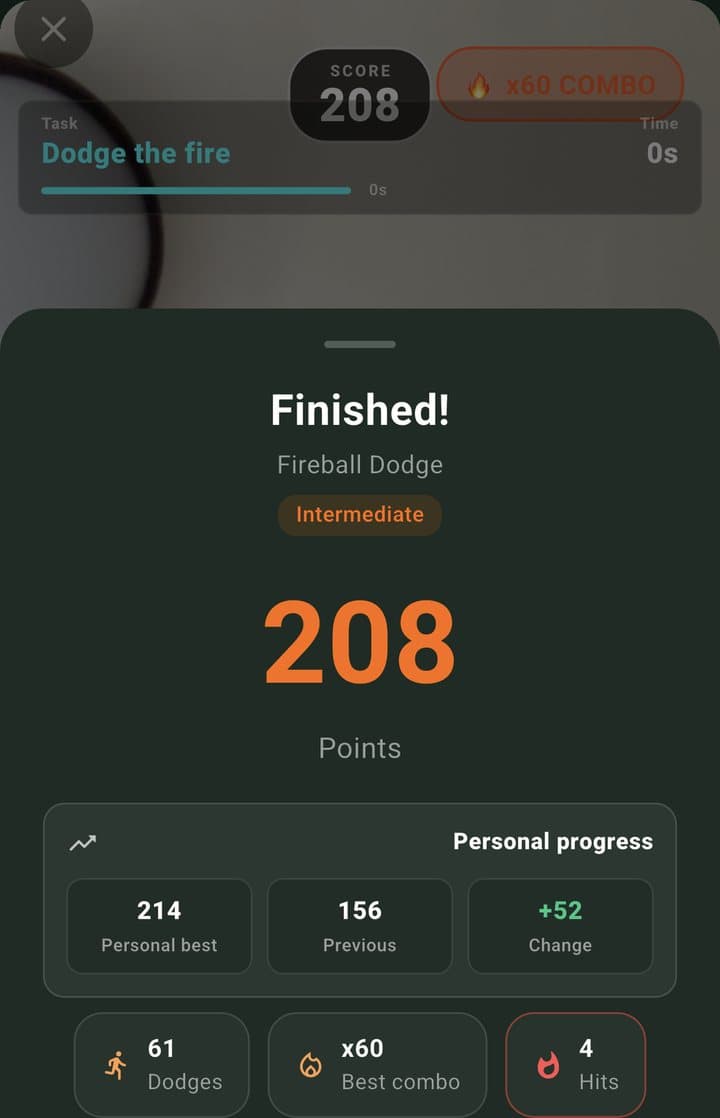
Score
208
How it works
Three steps.
One tripod.
01
Set up your tripod
Mount your iPad on a tripod a few metres back, facing your space. The big screen is ideal from a distance, but an iPhone works too. No tripod? Lean it against a wall or a bag.
02
Pick a drill
Choose from 22 drills, or open the ones your coach assigned. Targets, gates and fireballs appear right where you stand.
03
Play. Get scored.
The camera tracks the ball and your feet in real time. Every touch counts, combos stack up, and you see your score the moment you finish.
The drills
Training that plays
like a game.
Real footage from the app. The AI finds the ball, your feet and the space around you, then draws the drill straight onto the camera feed.
22 drills live in the app — and counting:
- Juggling
- Dribbling Targets
- Dribble Decisions
- V-Drag
- Side Steps
- Hurdle Steps
- Line Shifts
- Circles
- Balance Hops
- Four Corners
- Cone Target Ring
- Shield & Escape
- Wall Rhythm
- Wall Color Split
- Tick Tock Targets
- Falling Gates
- Fireball Dodge
- Fireball Dribble
- Find the Window
- Defender Shuffle
- Box to Box
- Reaction Bursts
Every rep, scored
Know exactly
how good
that was.
One fair formula scores every drill — points for clean reps, bonuses for combos, penalties for mistakes. So progress is something you can see, not guess.
→Instant score
Points, combos, hits and penalties — the second the drill ends.
→Personal bests
See how today compares to your best and your last attempt.
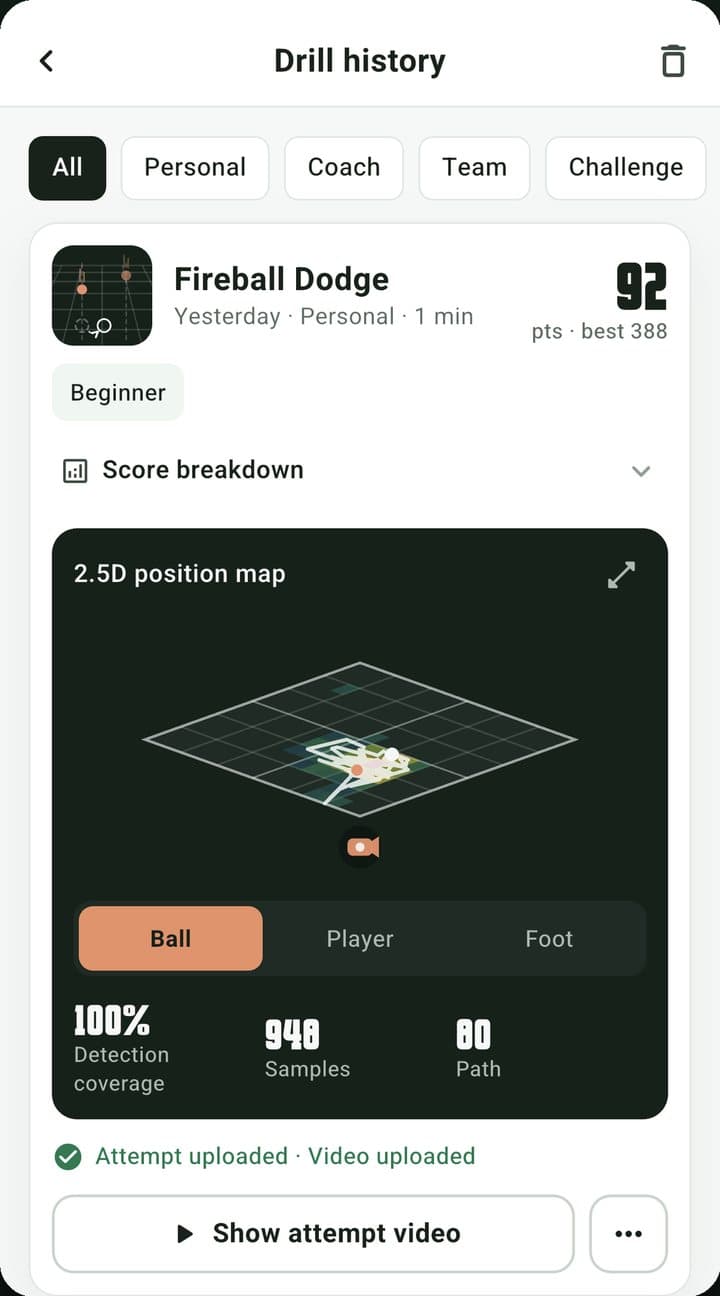
→Where you moved
A position map of the ball, your feet and your body across the whole drill.
→Replay any attempt
Every attempt is saved with its video, so you can watch what went right.
22
AI-scored drills
22fps
Live tracking, on device
0
Cones or sensors
4
Languages
Compete
Climb the global board.
Training alone doesn't have to feel alone. Every score lands on a leaderboard.
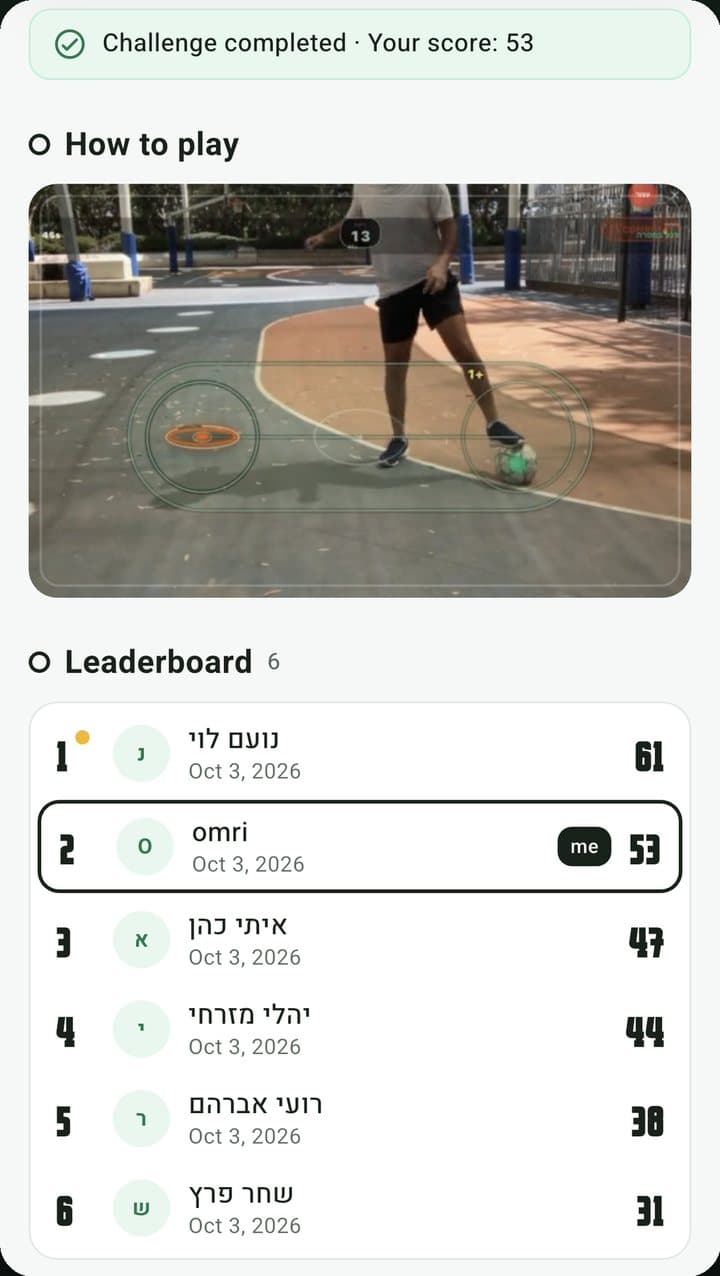
Challenges & battles
Weekly global challenges, group leaderboards and head-to-head battles with friends.
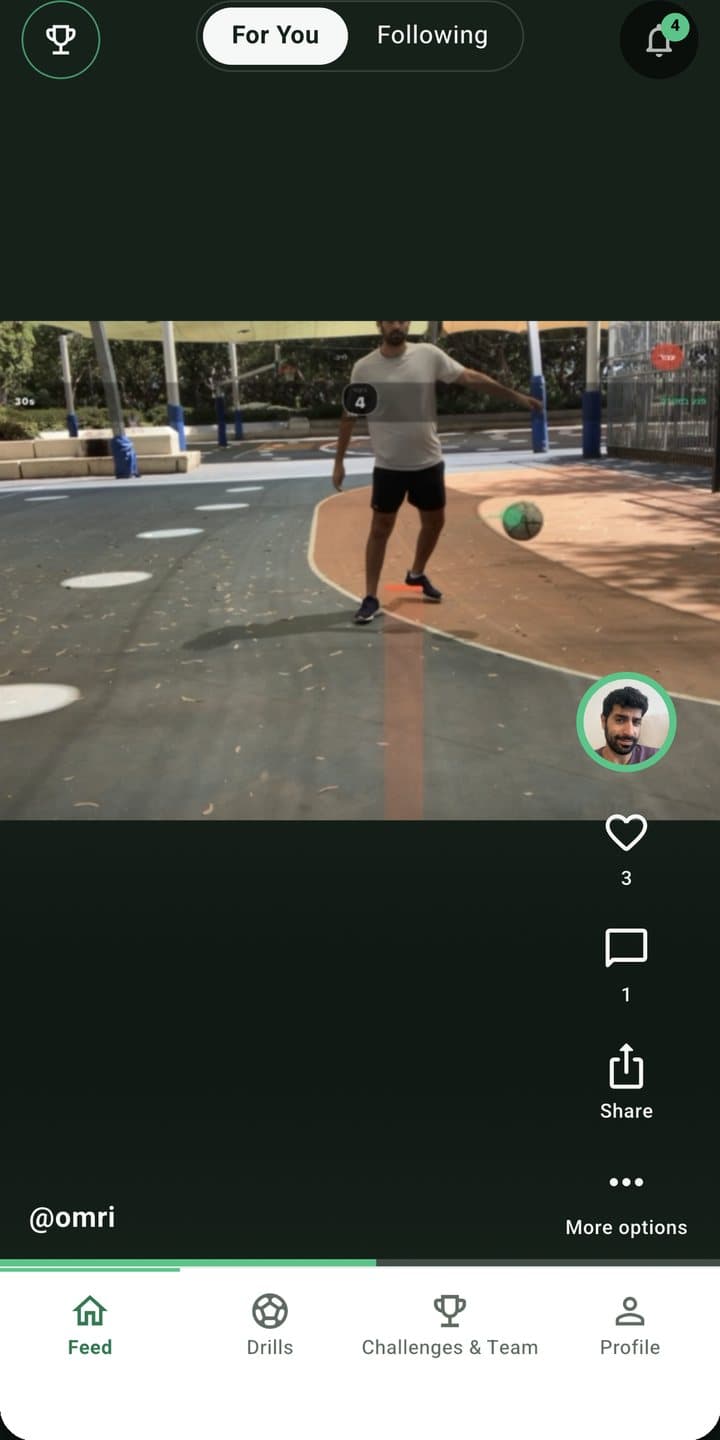
Post your best
Share your top attempts to the feed, follow players and see what everyone's training.
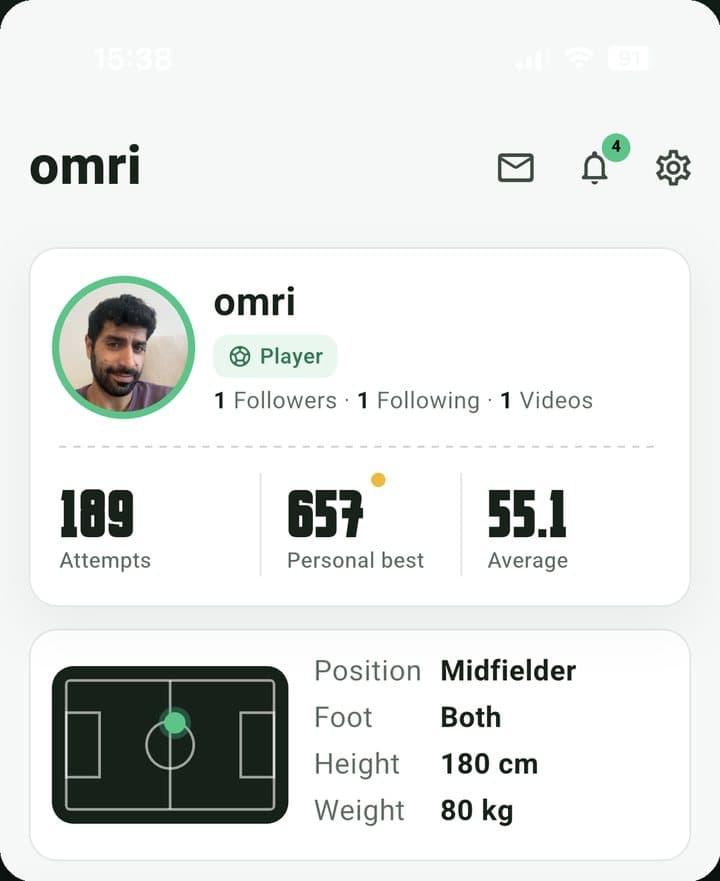
Your player card
Attempts, personal bests and averages — a profile that grows with every session.
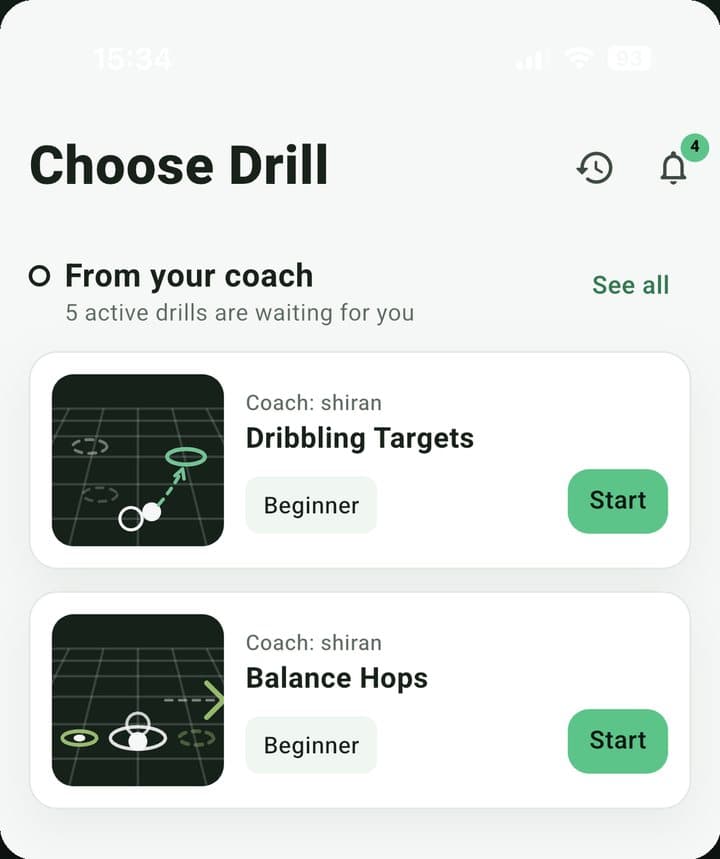
For coaches
Coach them
between practices.
Most improvement happens away from the team session. Debut lets you set the work — and see it get done.
- Groups
- Bring your squad into one place — invite players and see their activity.
- Assignments
- Send drills as homework. They show up in each player's app under “From your coach”.
- Training sessions
- Players join a live session by scanning a QR code at practice.
- Assessments
- Track every player's scores and progress between sessions, not just during them.
FAQ
Good questions.
What do I need to start?+
An iPad or iPhone on a tripod, a football and a bit of space — a living room, a backyard or a court. iPad is ideal: you can see the targets and your score clearly from a few metres away. No cones, sensors or wearables.
Does it work on Android?+
Yes. Debut is available on Android, with your profile, feed, leaderboards, groups and coach tools. The live camera drills currently run on iPad and iPhone only.
When can I download it?+
Debut is in beta on iPhone and iPad and is coming to the App Store soon. Email us to join early access.
How does the scoring work?+
Every drill uses the same versioned formula: points for clean reps, bonuses for combos, penalties for mistakes. So a score today is directly comparable to your best from last month — and to everyone on the leaderboard.
Is it built for kids?+
Yes. Players under 13 get parent-managed accounts, and every post and profile can be reported or blocked.
I'm a coach — what's in it for me?+
Create groups, assign drills as homework, run QR-joined training sessions and see each player's attempts, scores and progress between practices.
How do I delete my account?+
In the app: Settings → Delete account. It removes your account and all of its data. Can't reach the app? Email us and we'll do it for you.
Make your debut.
Debut is in beta on iPad and iPhone. Get in early and help shape what comes next.
Get early access